



Small but mighty! Modern notebook for school
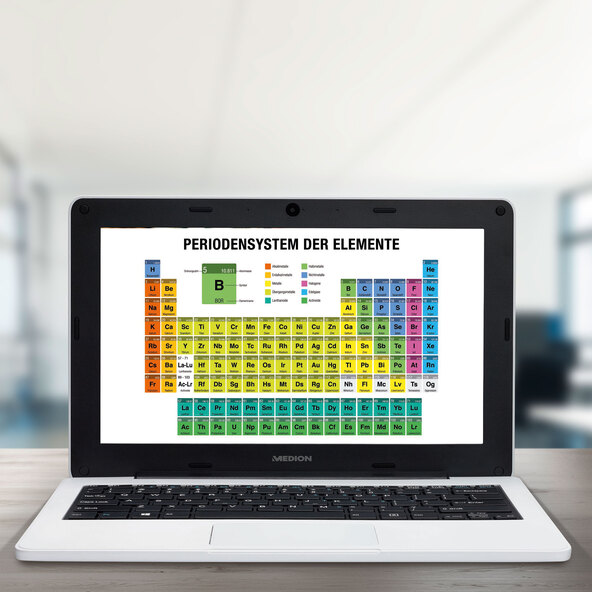
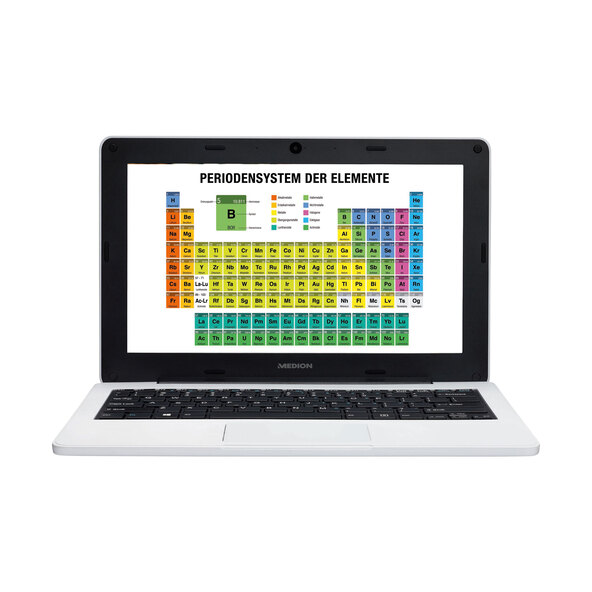
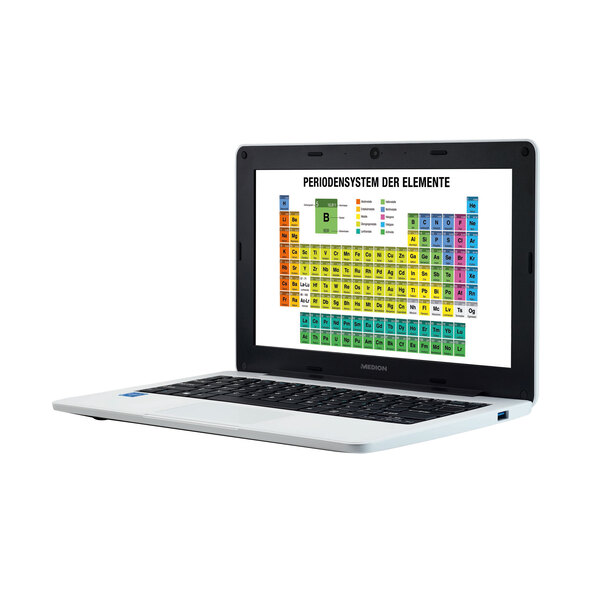
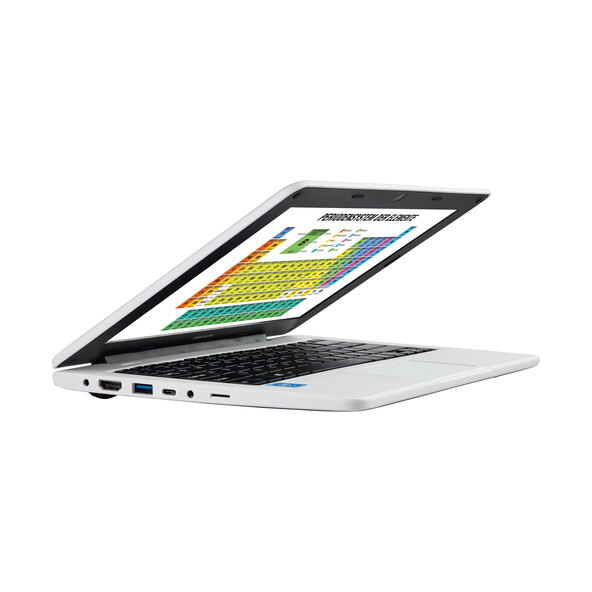
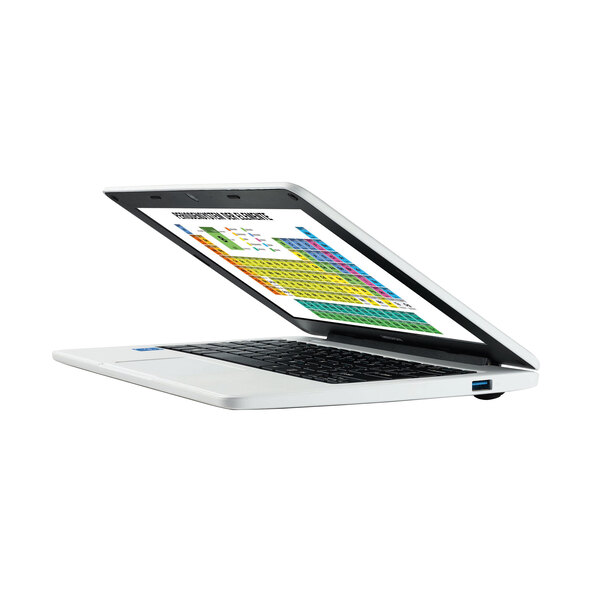
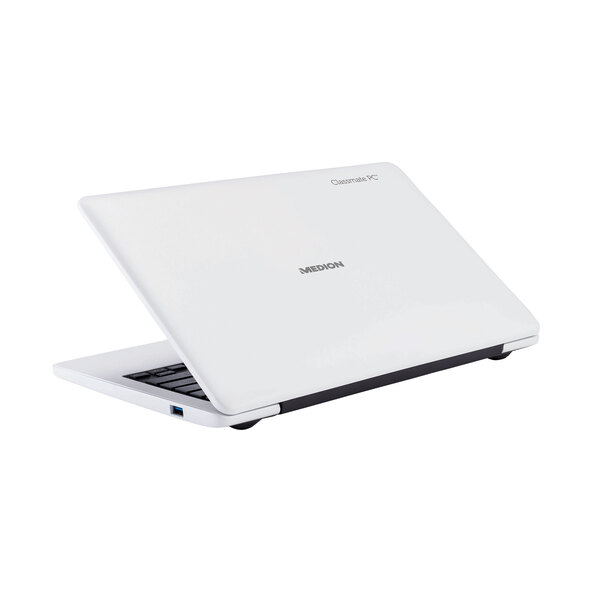
The compact size of your new laptop is ideal for school or on the go. The device fits comfortably in your backpack and is very robust thanks to its reinforced casing. All the technology in this education notebook is specifically designed for mobile use. Powerful performance with the Intel Celeron N3450 processor with Intel HD Graphics. Get started right away thanks to Windows 10 Home (S mode). 11.6" (29.5 cm) matte HD display with 1366 x 768 pixels. Very robust thanks to its reinforced casing. Water-resistant up to approximately 200 ml. A true all-rounder – powerful, fast, and energy-efficient. This notebook is a small all-rounder. The 4 GB of RAM ensures that the notebook is fast, yet still energy-efficient. It operates in an energy-saving manner. The Intel Celeron N3450 processor offers you an efficient system that delivers sufficient performance. Enjoy smooth performance for your schoolwork or when streaming your favorite series or music. Rich colors in high definition. This is how multimedia works! Your education notebook is equipped with a matte 29.6 cm (11.6-inch) HD display. Whether you're working productively or exploring the world of digital entertainment, you get more out of an HD display. Enjoy movies, pictures, or series with rich and high-contrast colors. Did your notebook fall off your desk? Accidents happen, and the manufacturer MEDION knows this. That's why the notebook is equipped with drop protection from a height of approximately 100 centimeters. Optimal performance for schoolwork and entertainment, good image quality. HD quality and a very robust casing – this notebook is designed especially for mobile use and will accompany you both in your school day and during your leisure activities. Tested to MIL-STD-810G, Method 516.6 Procedure IV. Intel, the Intel logo, Intel Inside, Celeron, and Celeron Inside are trademarks of Intel Corporation or its subsidiaries in the U.S. and other countries. Windows 10 Home (S mode) only works with apps from the Microsoft Store within Windows and accessories that are compatible with Windows 10 Home in S mode. It is possible to switch out of S mode unilaterally. If you turn off S mode, you cannot switch back. For more information, see Windows.com/SmodeFAQ. All other trademarks are the property of their respective owners.
Features:
- Intel® Celeron® N3450 Processor (1.10 – 2.20 GHz, 4 Cores, 4 Threads & 2 MB L2 Cache)
- Windows 10 Home (S Mode)
- Matte 29.5 cm (11.6") HD Display with a Resolution of 1366 x 768 Pixels
- Intel® HD Graphics
- 64 GB Flash Storage
- 4 GB LPDDR4 RAM
- Integrated HD Webcam and Microphone
- Realtek Wi-Fi 5 1x1 802.11ac with Integrated Bluetooth® 4.2 Functionality
- Drop Protection Up to 100 cm drop height1 thanks to a robust housing
- Water resistance up to 200 ml on keyboard and touchpad
- Integrated 2-cell Li-polymer battery2 with 30.4 Wh and 4,000 mAh with up to 8 hours of battery life3
- Fanless design
Ports:
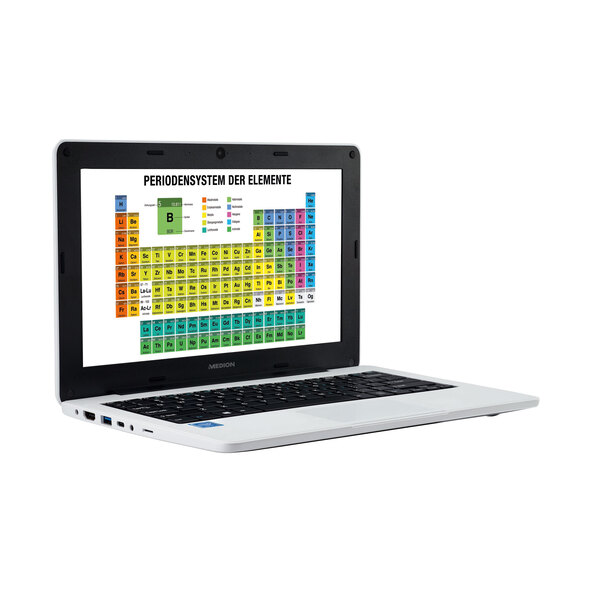
- MicroSD card reader4
- 1 x USB 3.2 Gen1 Type-C
- 1 x USB 3.2 Gen1 Type-A
- 1 x USB 2.0
- 1 x HDMI out
- 1 x AC adapter port
- Audio: 1 x audio combo jack (mic-in & Audio-out)
Dimensions/Weight:
- W x H x D: approx. 30.5 x 1.99 x 20.1 cm5
- Approx. 1.16 kg (incl. battery)
Scope of delivery:
- Education notebook MEDION® AKOYA® E11202 (MD63860)
- Integrated 2-cell Li-polymer battery
- External power adapter
- Warranty card
- User manual
1 Tested to MIL-STD-810G (Method 516.6 Procedure IV).
2 The battery is permanently installed and cannot be easily replaced by the user.
3 Depending on usage.
4 Memory cards not included. 5 Measured without rubber feet. Intel, the Intel logo, Intel Inside, Celeron, and Celeron Inside are trademarks of Intel Corporation or its subsidiaries in the U.S. and/or other countries. The Bluetooth® word mark and logos are registered trademarks owned by Bluetooth SIG, Inc. and are used by MEDION® under license. Other trademarks and trade names are those of their respective owners. Windows 10 Home (S mode) only works with apps from the Microsoft Store within Windows and accessories that are compatible with Windows 10 Home in S mode. It is possible to switch out of S mode unilaterally. If you turn off S mode, you cannot switch back. For more information, visit Windows.com/SmodeFAQ. All other trademarks are the property of their respective owners.
Comment