




Create atmosphere with LEDs
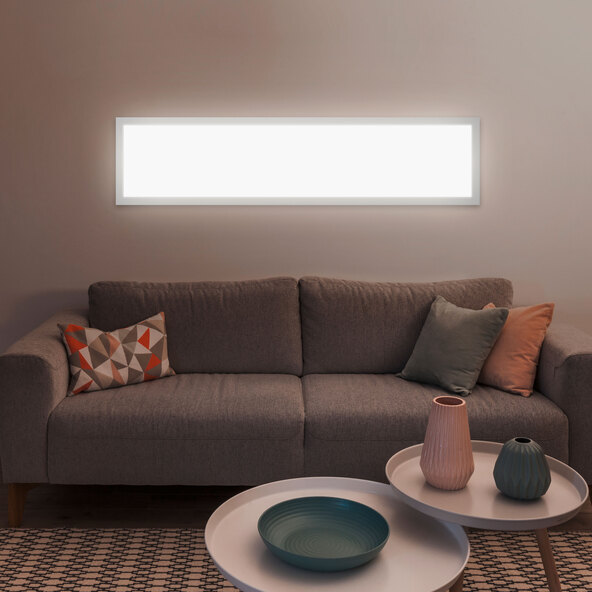
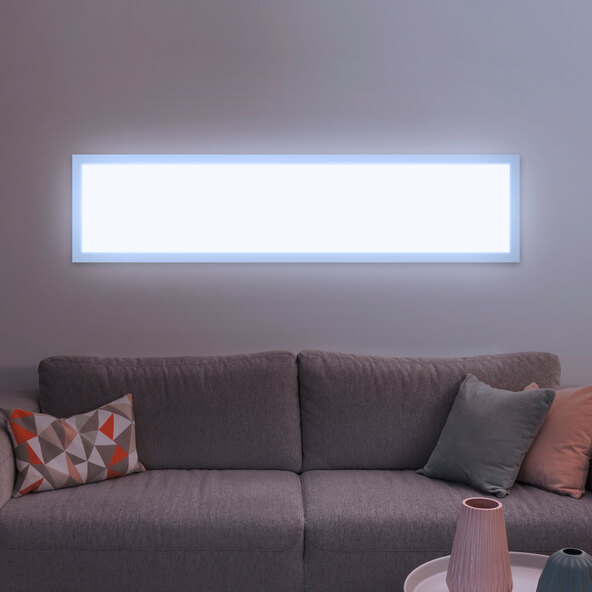
Let your room shine with the flat and modern LED light, providing individual lighting and allowing you to determine the color temperature and dimming level yourself.
- Extra-flat LED panels
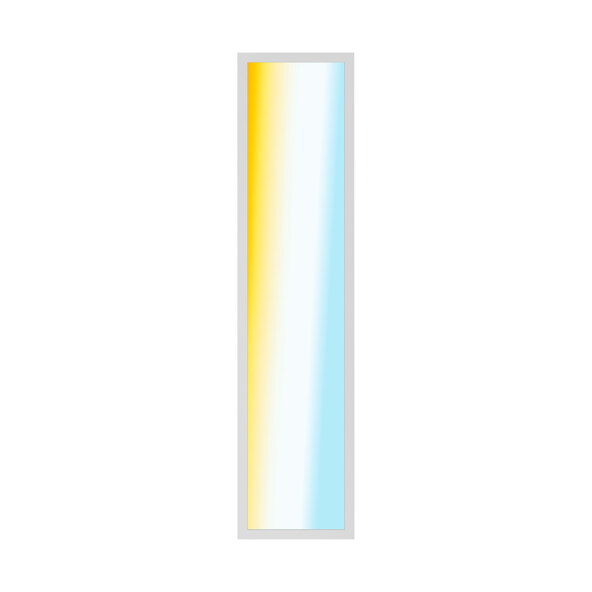
- Individual control for the perfect light from 2,700–6,500 K
- Suitable for late evenings thanks to night light mode
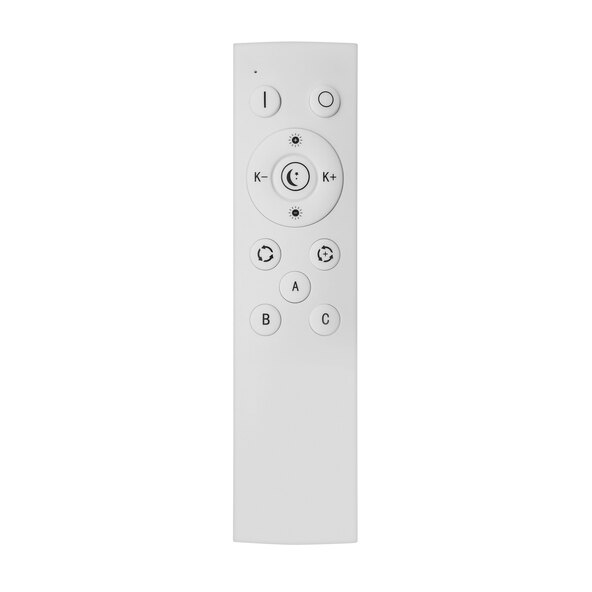
- Convenient dimming via remote control
You turn me on
Now the beauty of your room is no longer a matter of "light on or off"! Thanks to the included remote control, you can create your desired mood in your room with a single press of a button. You can gradually lower or increase the brightness of the rectangular LED panels. With warm white light, the modern LED panel on your wall or ceiling creates pure relaxation, while the cool white light is ideal for a productive atmosphere in your home office or workplace. Decide for yourself what motivates you! Last one in turns on the light! Don't wait any longer and be the first to switch on the light and illuminate your living space with your personal touch! The memory function ensures that the last selected light color and dimming level are saved. And not just during the day, but also at night: with the night light mode, you can set the light color to 2,700 K and 10% brightness. Additionally, the light can easily be controlled in a group with other LED panels.
With the square Calida LED panel from MÜLLER-LICHT, you can create the perfect atmosphere in your living space!
Features:
- Dimmable in each light color (warm white 2,700 K, cool white 4,000 K, daylight white 6,500 K)
- Includes night light mode
- Includes Memory function for saving the last selected light color and dimming level
- 4,000 lm
- 36 W
- 220–240 V/50 Hz, Ra (CRI) >90, 20,000 hrs.
- Protection class II
- Remote control: 2.4 GHz max. transmission power <20 mW
Dimensions/Weight:
- L x W x H: approx. 120 x 30 x 6 cm
- Approx. 3.3 kg
Scope of delivery:
- LED panel Müller-Licht Calida, square
- Remote control incl. 2 x AAA batteries
- Warranty card
Assembly instructions Operating instructions for remote control
Comment