



Time and temperature at a glance
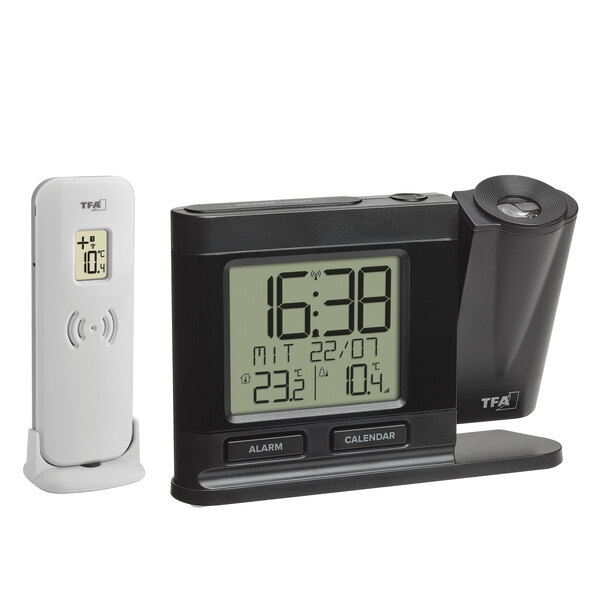
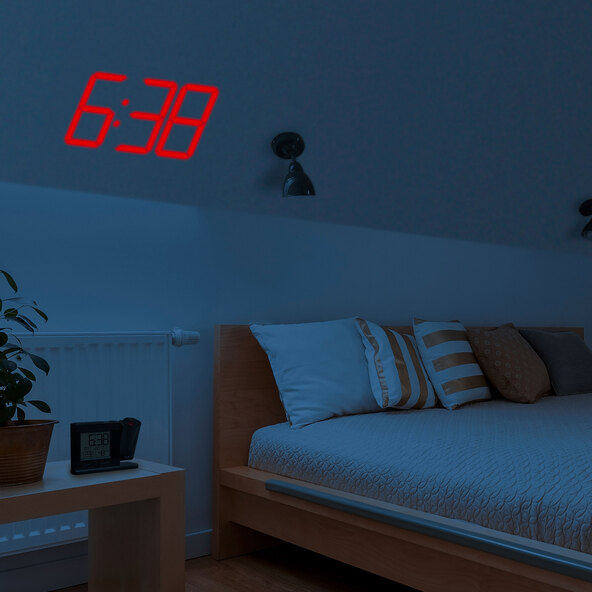
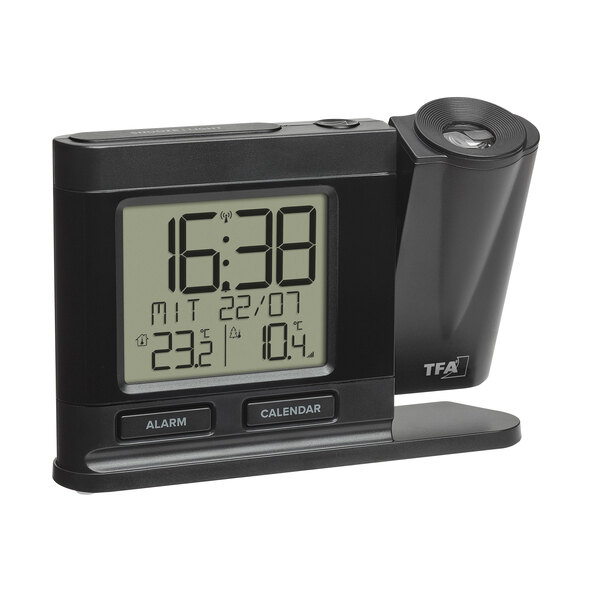
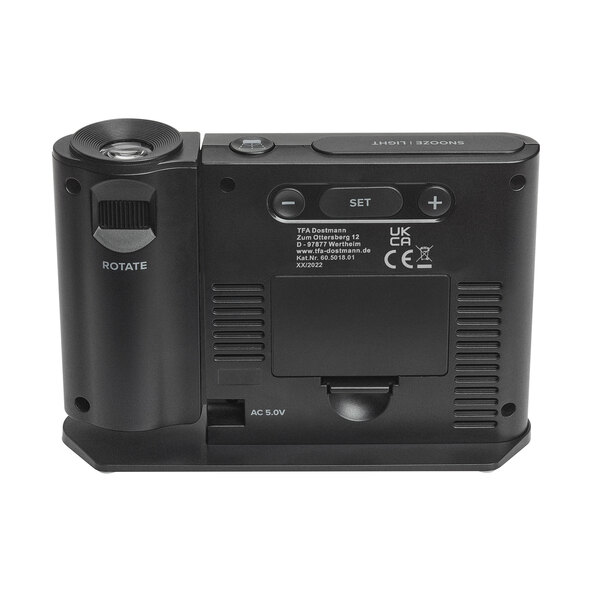
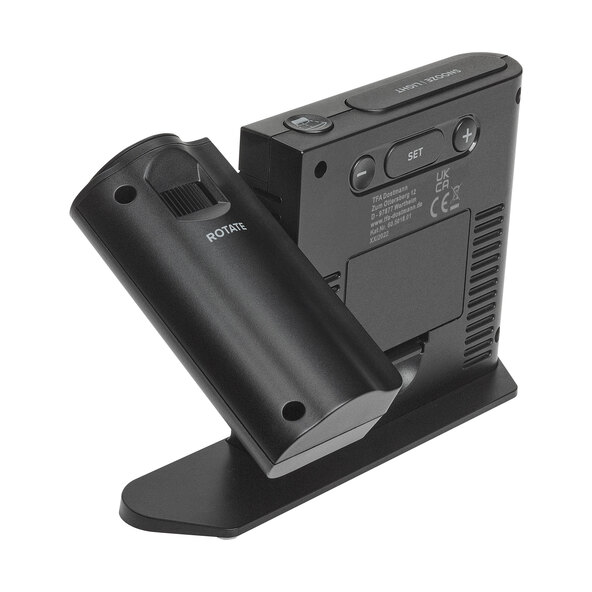
The TFA radio-controlled projection alarm clock 60.5018.01 simplifies waking up with its innovative technology. You can conveniently read the time as well as the indoor or outdoor temperature from your wall or ceiling. The projection rotates 270° and offers two brightness levels for optimal visibility. With its snooze function and precise radio reception, this alarm clock is a practical companion for your everyday life.
Features:
- Digital projection of time, indoor/outdoor temperature, or all three options alternating on the wall or ceiling
- Display options: Time and date, or full day of the week, or abbreviated with date
- Temperature measurement: Indoor (0...+50°C), Outdoor (-40...+60°C)
- Alarm with snooze function
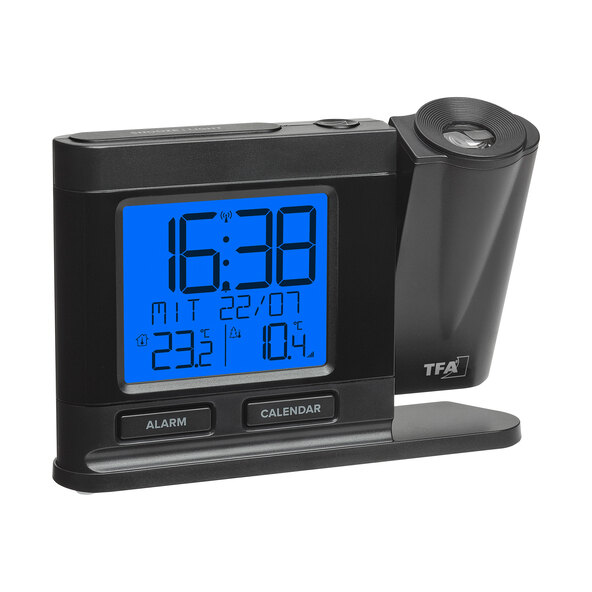
- Backlight with 4 levels and dimming function
- Language options: German, English, Spanish, French
- Adjustable time zone (-12/+12 hours)
- Power supply: Batteries (not included), AC adapter
Dimensions/Weight:
- L x W x H: approx. 14.9 x 38 x 10.4 cm
- Approx. 175 g
Scope of delivery:
- TFA radio projection alarm clock 60.5018.01
- Temperature transmitter
- Power adapter
- User manual
User manual
Comment